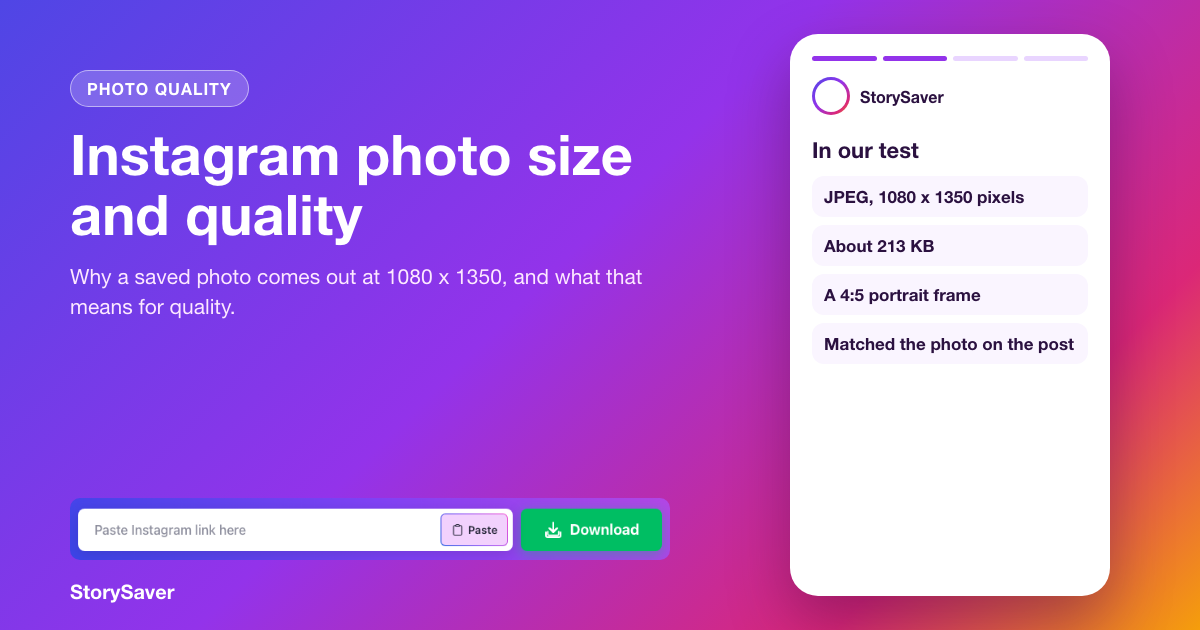
You save an Instagram photo, check the details, and see 1080 x 1350 pixels. Why not larger, when the original came from a phone camera with far more pixels? The answer lies in how Instagram stores photos.
This guide explains the sizes you will see and what they mean for quality.
Instagram resizes every photo
When someone posts a photo, Instagram does not keep the original camera file. It scales the image down and compresses it for fast loading in the feed. What you see in the app, and what a downloader can save, is that stored version.
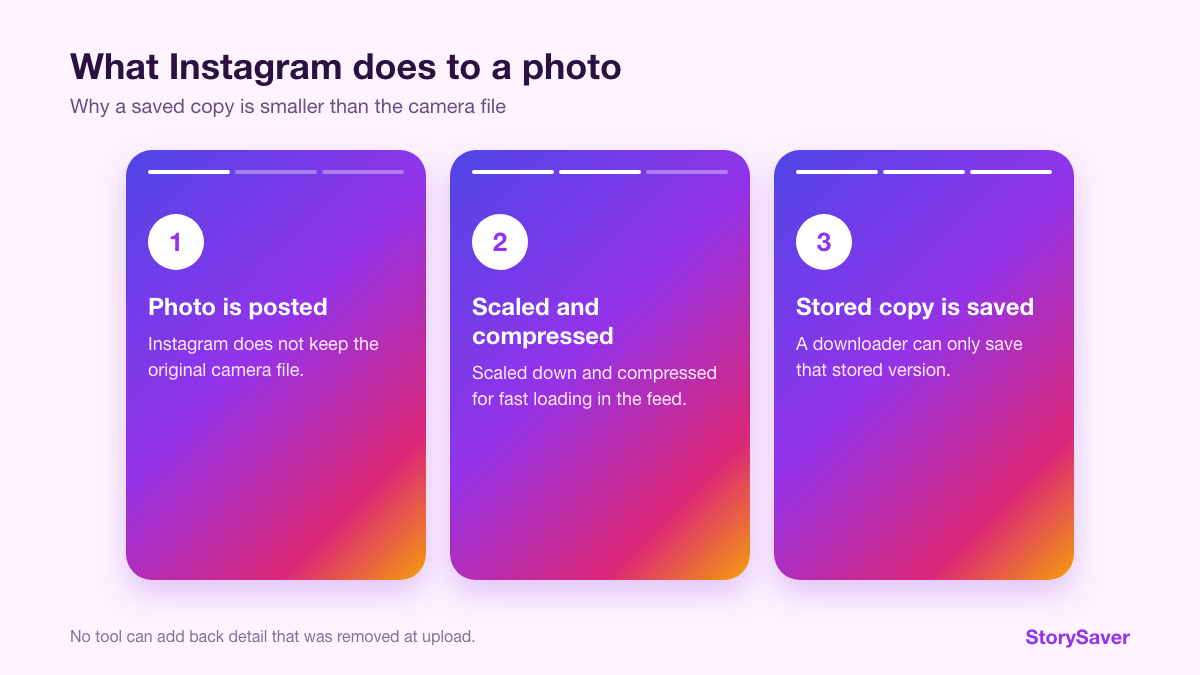
No tool can add back detail that was removed at upload. A saved photo can only be as good as the copy Instagram keeps.
The size we measured
In our test with a public photo post, StorySaver returned a JPEG of 1080 x 1350 pixels, about 213 KB. That matched the photo shown on the post. It is one test, so other posts may differ.
What 1080 x 1350 means
That size is a 4:5 frame, a portrait shape slightly taller than it is wide. It fills more of a phone screen than a square, which is why many creators use it.
Other shapes you may see on Instagram are square posts and wider landscape photos. Their width is often 1080 pixels too, with the height changing to match the shape.
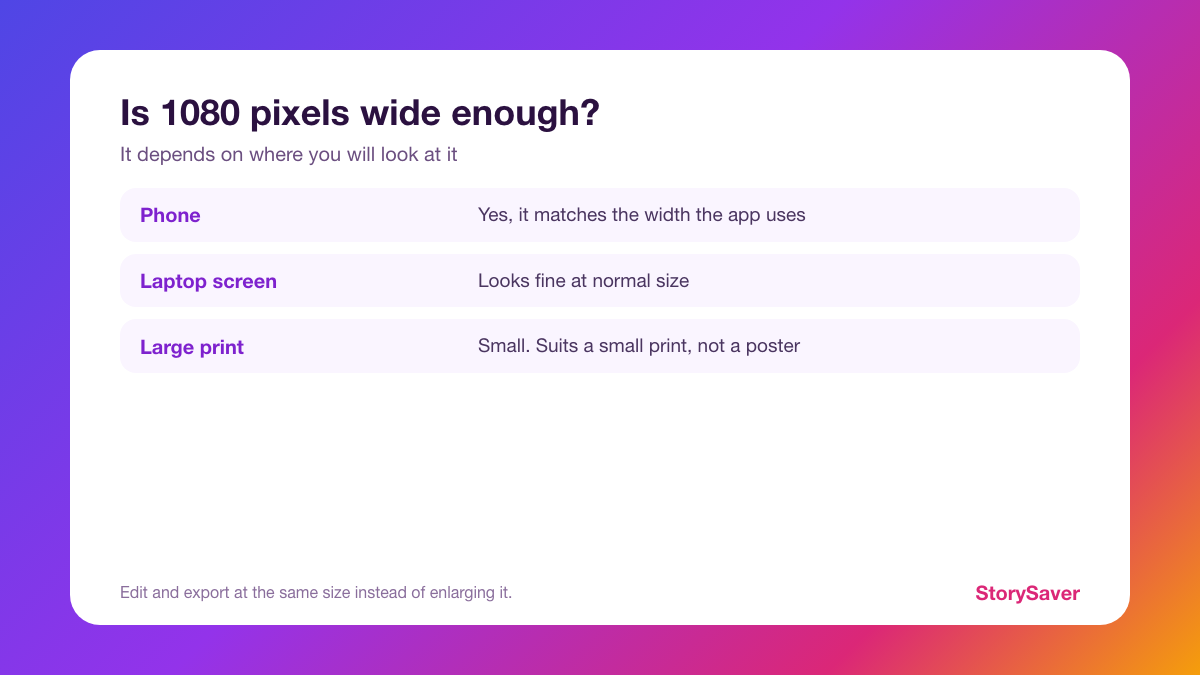
Is 1080 pixels wide enough?
- For viewing on a phone, yes. It matches the width the app uses.
- For a laptop screen, it looks fine at normal size.
- For printing large, it is small. A 4:5 photo at this size suits a small print better than a poster.
Keep the photo looking sharp
- Save the photo once and keep that file. Each re-save or screenshot can lower quality.
- Avoid screenshots. They capture the screen, not the photo, and add or crop parts of the image.
- If you edit it, export at the same size instead of enlarging it.
How to save a photo post
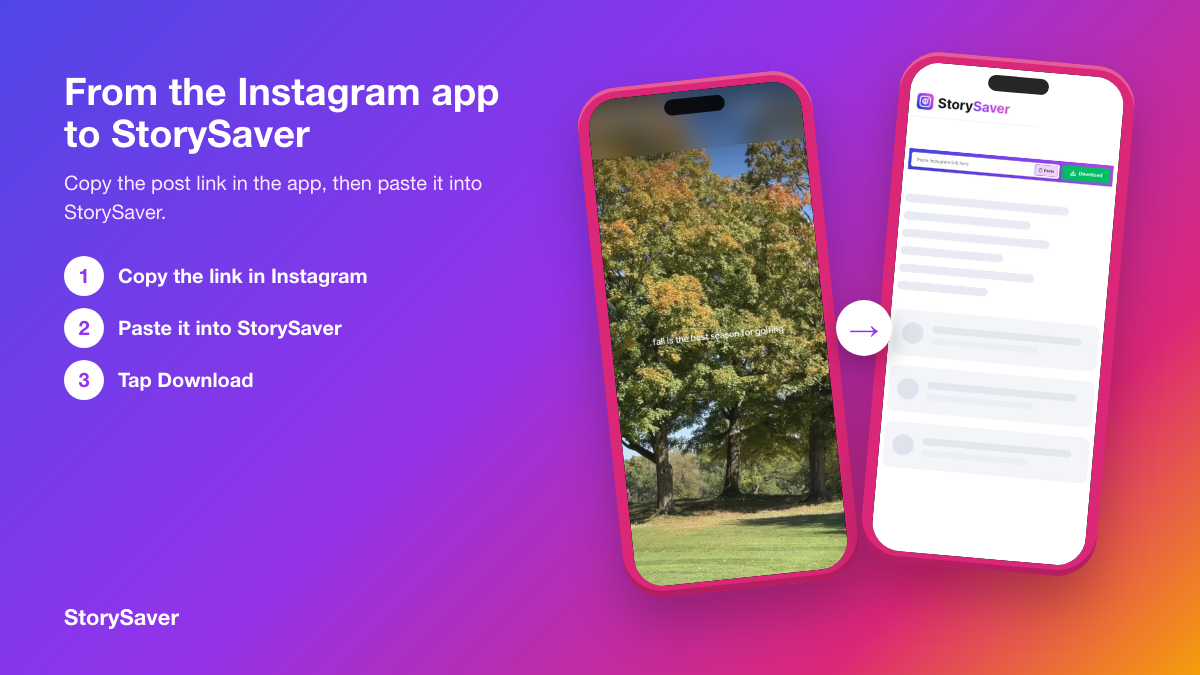
Open the post, tap the share icon and copy the link. Paste it into the StorySaver Instagram photo downloader. Our guide on copying an Instagram post link shows where to find the link on each device.
Only save what you may keep
Photos on Instagram belong to the people who posted them. Save them for personal use, and ask the owner before you repost or print someone else's photo. Private accounts and deleted posts cannot be downloaded.
Have a public photo link ready? Paste it on the StorySaver home page.