How to download photos from Instagram?
-
Step 01: Copy Photo Link
Open Instagram, navigate to the photo or carousel post, tap Share and select Copy Link.
-
Step 02: Paste into StorySaver
Open storysaver.ws/instagram-photo-download and paste the URL into the input field.
-
Step 03: Download High-Res Images
Click Download to view all photos in the post and save them in full resolution.
Why Download Instagram Photos With StorySaver?
Full HD Resolution
Download original uncompressed full-size photos directly from Instagram CDN.
Carousel & Album Support
Save multiple photos or entire albums with up to 20 images in a single post.
100% Free & Unlimited
No registration, no software installation, and no limits on downloads.
No Login Required
Keep your personal account safe and secure without providing credentials.
All Devices Supported
Works smoothly on iPhone, iPad, Android, PC, and Mac in any web browser.
High Speed Download
Instant image extraction and direct download links within seconds.
Best Instagram Photo Downloader Online
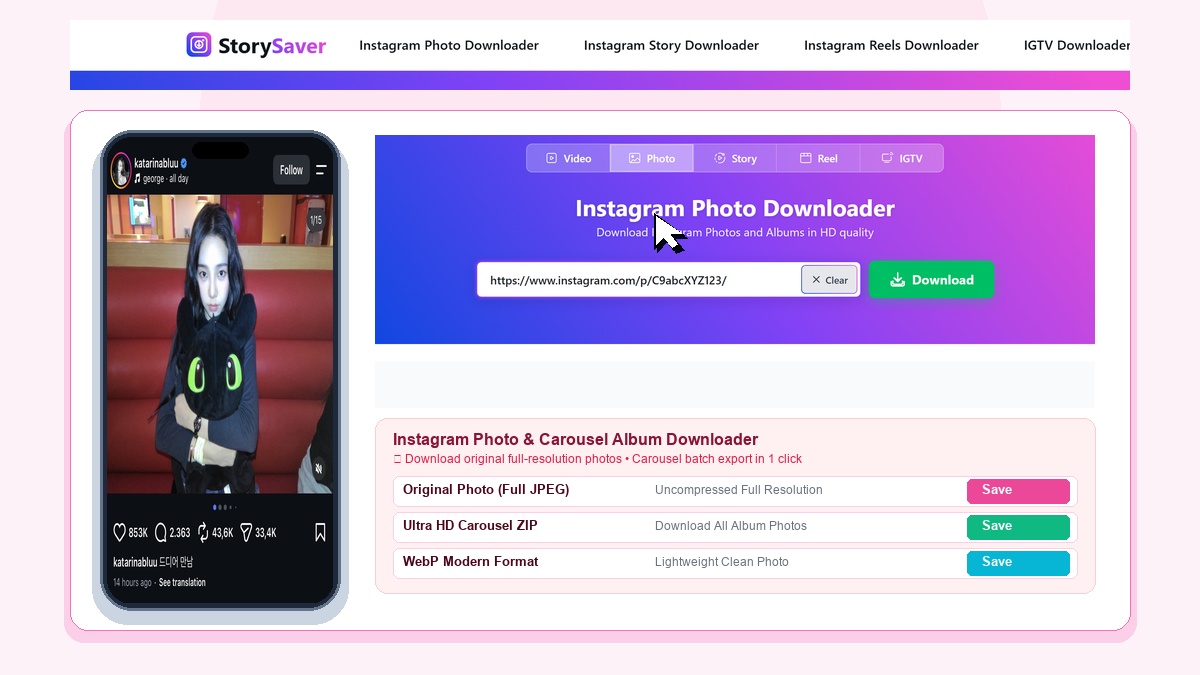
Instagram is a leading platform for photography and visual art. StorySaver Photo Downloader makes it effortless to save pictures and single photos to your device. You can also download instagram carousel album posts directly without any quality loss.
Download Multiple Photos from Instagram Carousels
Many creators publish albums containing up to 20 images. As a dedicated instagram picture downloader, StorySaver extracts every image in the post. You can download each picture individually in its original crisp resolution or save the complete collection.
Why Choose StorySaver for Instagram Photos?
Unlike screenshots that degrade clarity, StorySaver accesses direct image files from Instagram servers. Photos remain clean, sharp, and watermark-free on every download.
Explore Other StorySaver Tools
Need more tools? Easily download Instagram story moments or grab viral clips with our Instagram Reels downloader. You can also download IGTV video content in HD, or return home to download Instagram video posts.