How to download Instagram Stories?
-
Step 01: Copy Story Link
Open Instagram Story or Highlight, tap the three dots or Share button and select Copy Link.
-
Step 02: Paste into StorySaver
Navigate to storysaver.ws/instagram-story-download and paste the link into the search box.
-
Step 03: Save to Device
Click Download to extract the story video or photo in original quality and save it before it expires.
Why Download Instagram Stories With StorySaver?
100% Anonymous Viewing
Download and watch stories discreetly without appearing in the viewer list or notifying the author.
HD Quality & Audio
Preserve stories in their full original video resolution with high-fidelity music and sound.
Highlights & Stories Support
Save both daily 24-hour stories and permanent profile Highlights with complete ease.
No Login or Account Needed
Zero personal credentials required. Paste the link and download directly without linking an IG account.
Compatible With All Devices
Works flawlessly on iOS Safari, Android Chrome, Windows, Mac, and iPad web browsers.
Free & Unlimited Downloads
Enjoy unlimited story and highlights downloads anytime without paywalls or hidden limits.
Save Instagram Stories & Highlights Permanently
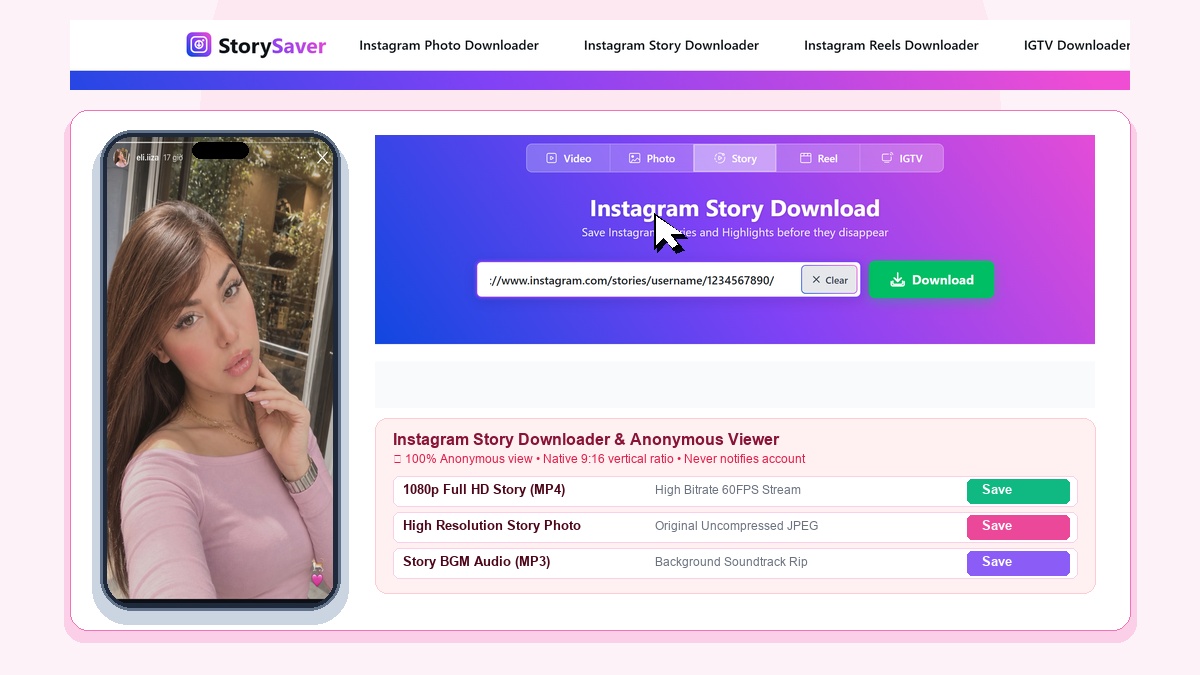
Instagram Stories disappear after 24 hours. With StorySaver, you can download instagram story clips and save memories forever. The tool also acts as an instagram highlight downloader to preserve profile collections. Now anyone can download ig stories online directly to their phone or computer.
100% Anonymous Instagram Story Downloader
When you watch a story inside Instagram, your name is added to the viewer list. StorySaver operates completely on server proxies. You can view and download stories anonymously without leaving any trace.
Fast, Easy, and Always Free
You do not need to install apps or log in with your password. StorySaver works directly inside any web browser. Your account remains safe while you download crisp HD MP4 videos and photos.
Explore Other StorySaver Tools
Explore more features. You can easily download Instagram photos from carousel albums. Use our Instagram Reels downloader for short clips, download IGTV video episodes, or visit our main page to download Instagram video files.