How to Save Instagram Reels with Original Audio in 1080p
Instagram Reels has become the leading destination for viral short-form video. From comedy sketches and cooking tutorials to workout routines, creators invest significant effort into pairing vertical clips with captivating soundtracks.
However, saving a Reel using the default app button often results in muted audio or intrusive watermarks. Using StorySaver allows you to download clean Reels in full 1080p resolution with synchronized stereo sound intact.
Why Do Some Downloaders Strip Audio from Reels?
Many low-quality download tools only capture the video stream while failing to process the accompanying audio channel. Social media platforms frequently store high-definition visuals and audio tracks separately to optimize network streaming.
An advanced converter combines both tracks during server-side processing. This ensures that the final MP4 file plays smoothly with complete native audio.
Advantages of Saving Reels with Full Sound
Keeping the original audio track is essential for several reasons:
- Educational clarity: Spoken instructions and commentary remain clear and easy to follow.
- Musical accuracy: Trending songs and background audio remain perfectly synchronized with video action.
- Universal playback: Downloaded MP4 files play smoothly across any media player or smart television.
How to Save Reels in High Definition
Follow these quick steps to download vertical video clips to your smartphone or desktop computer.
Step 1: Copy the Reel Link
Open Instagram and find the Reel you want to keep. Tap the Share icon or the three horizontal dots, then tap Copy Link.
Step 2: Paste the Link into StorySaver
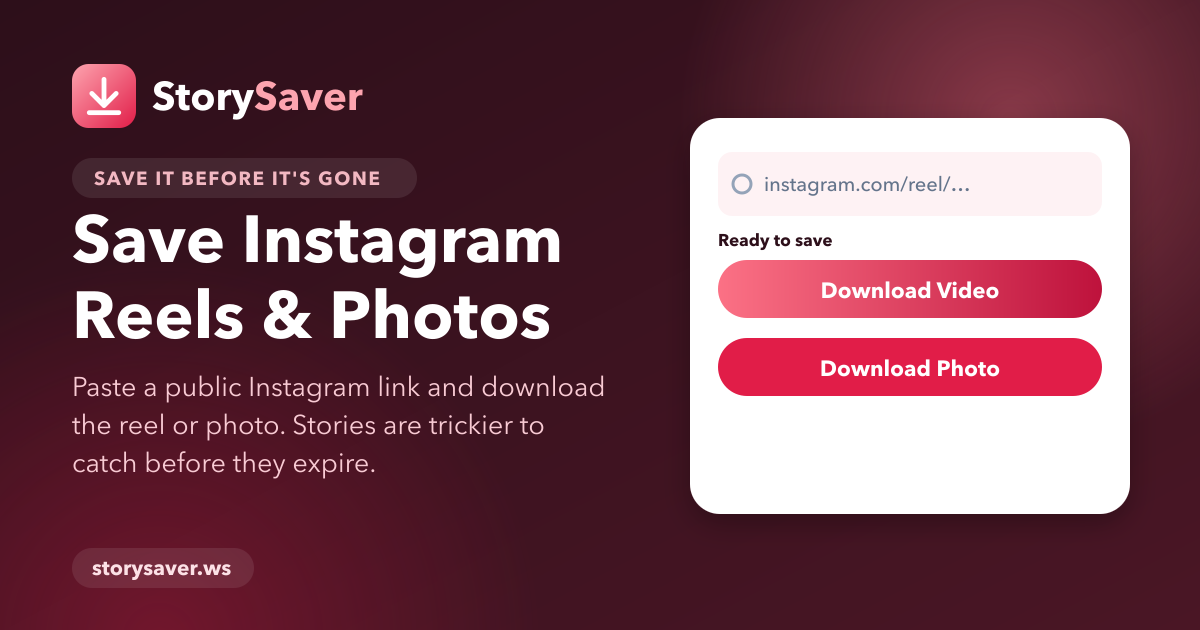
Open your preferred web browser and go to StorySaver. Insert the link into the search bar and click Download.
Step 3: Download Your Clean MP4 File
Select your preferred video resolution and tap the Download button. Your video will save directly to your storage in clean MP4 format.
Troubleshooting Audio Lag in Downloaded Reels
If you ever experience audio desynchronization on an older media player, update your playback software to the latest version. Modern video players like VLC handle variable frame rates and stereo audio streams without issues.